New: Collect your opinions via WhatsApp with +39% response rate
Book a demo →✕

Google reviews directly impact your online reputation. Discover all the legal methods to delete, report, or respond to negative reviews that harm your brand image.

The question of how to delete a Google review comes up frequently among business owners and marketing managers. The short answer is: yes, but under certain conditions. Google has established strict rules regarding which reviews can be removed from its platform.
A review can be deleted in the following cases:
However, a negative but honest and factual review generally cannot be removed. Google protects users' freedom of expression, even when their comments are unfavorable to a business.
The process to report a Google review is relatively straightforward, but requires following the right steps. Here's the detailed process:
Step 1: Access Your Google Business Profile
Log into your Google Business Profile (formerly Google My Business). Navigate to the "Reviews" section of your dashboard.
Step 2: Identify the Review to Report
Locate the problematic review and click on the three vertical dots next to it. Select "Flag as inappropriate."
Step 3: Choose the Reporting Reason
Google will offer several categories:
Step 4: Wait and Follow Up
Google typically reviews reports within 3 to 5 business days. You'll receive an email notification regarding the decision.
If direct reporting doesn't work, several alternatives are available to remove a Google review:
Contact the Customer Directly
Sometimes the best solution is to address the problem at its source. Respond publicly to the review professionally, then try to contact the customer privately. If you can resolve their dissatisfaction, they might modify or delete their review themselves.
Use Google's Support Form
For more complex cases, Google offers a review removal form for legal reasons. This option is particularly useful in cases of proven defamation or privacy violations.
Consult a Lawyer
In cases of clear defamation, a legal cease and desist letter can be sent to Google. This procedure is longer and more expensive, but sometimes necessary for serious cases.
Drown Out Negative Reviews
An effective strategy is to encourage your satisfied customers to leave positive reviews. With a Google review QR code, you make this process easier and naturally improve your average rating.
Beyond deletion, good management of negative reviews is essential for your online reputation:
Respond Quickly and Professionally
A quick response shows that you take customer feedback seriously. Always remain courteous, even when facing unfair criticism. Prospects also read your responses to negative reviews.
Never Ignore a Negative Review
An unanswered review gives the impression that you don't care about your customers. Every review deserves particular attention.
Turn Criticism into Opportunity
A dissatisfied customer who receives a satisfactory response can become your best ambassador. Many studies show that customers whose problems have been resolved become more loyal than those who never had an issue.
Implement a Proactive System
Use a solution like Review Collect to automate review collection and detect dissatisfied customers before they leave a negative public review. A preliminary customer satisfaction survey helps filter feedback.
In conclusion, deleting a Google review is possible but governed by specific rules. The best strategy remains combining reporting of abusive reviews, proactive management of customer feedback, and active collection of positive reviews to maintain an excellent online reputation.
Automate review collection via WhatsApp, SMS, Email, QR Code, and RCS. Achieve a 39% response rate where the industry averages 2-3%.
Learn more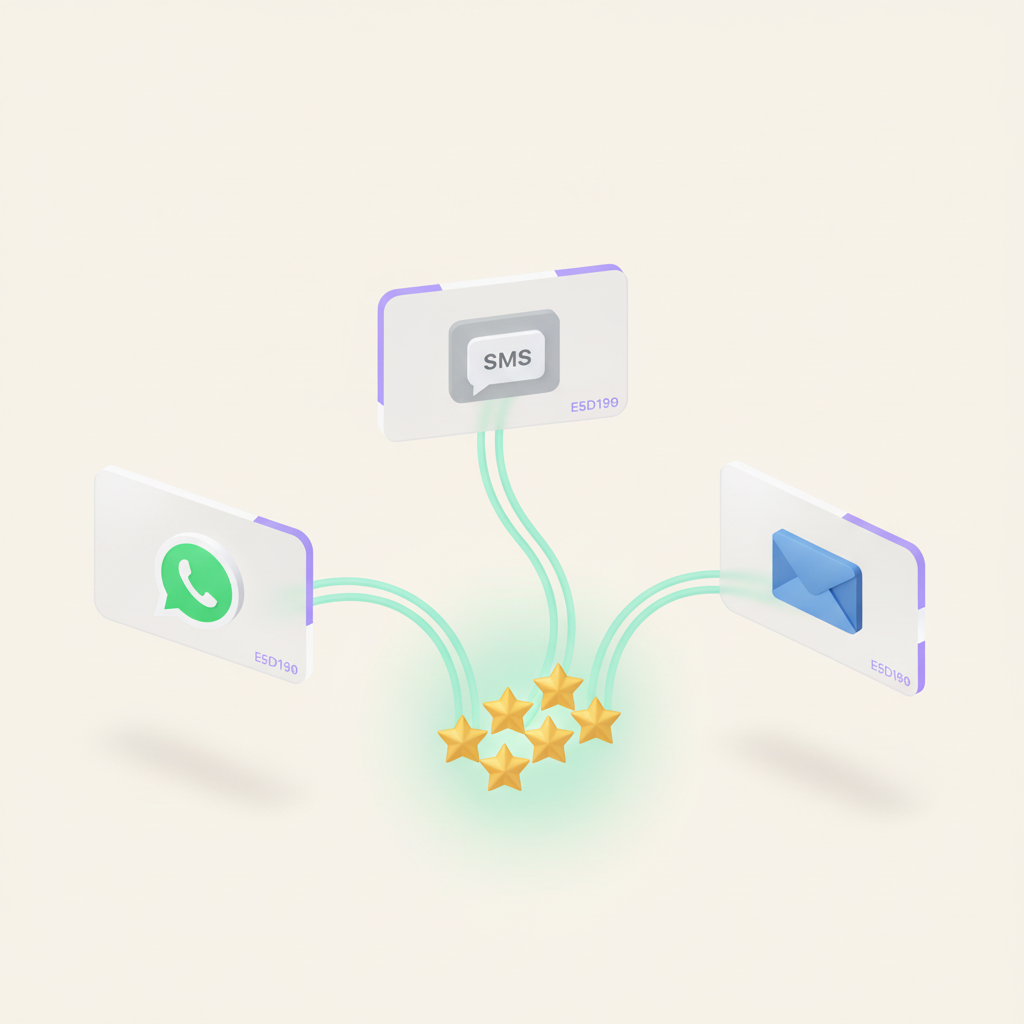
Decide where, when, and how each review is posted. Review Collect automatically organizes the distribution of your reviews between Google, Trustpilot and your strategic platforms.
Learn more
Google, Trustpilot, Verified Reviews, Yotpo, Bazaarvoice... Centralize the management of your multi-platform reviews and regain control of your e-reputation.
Learn more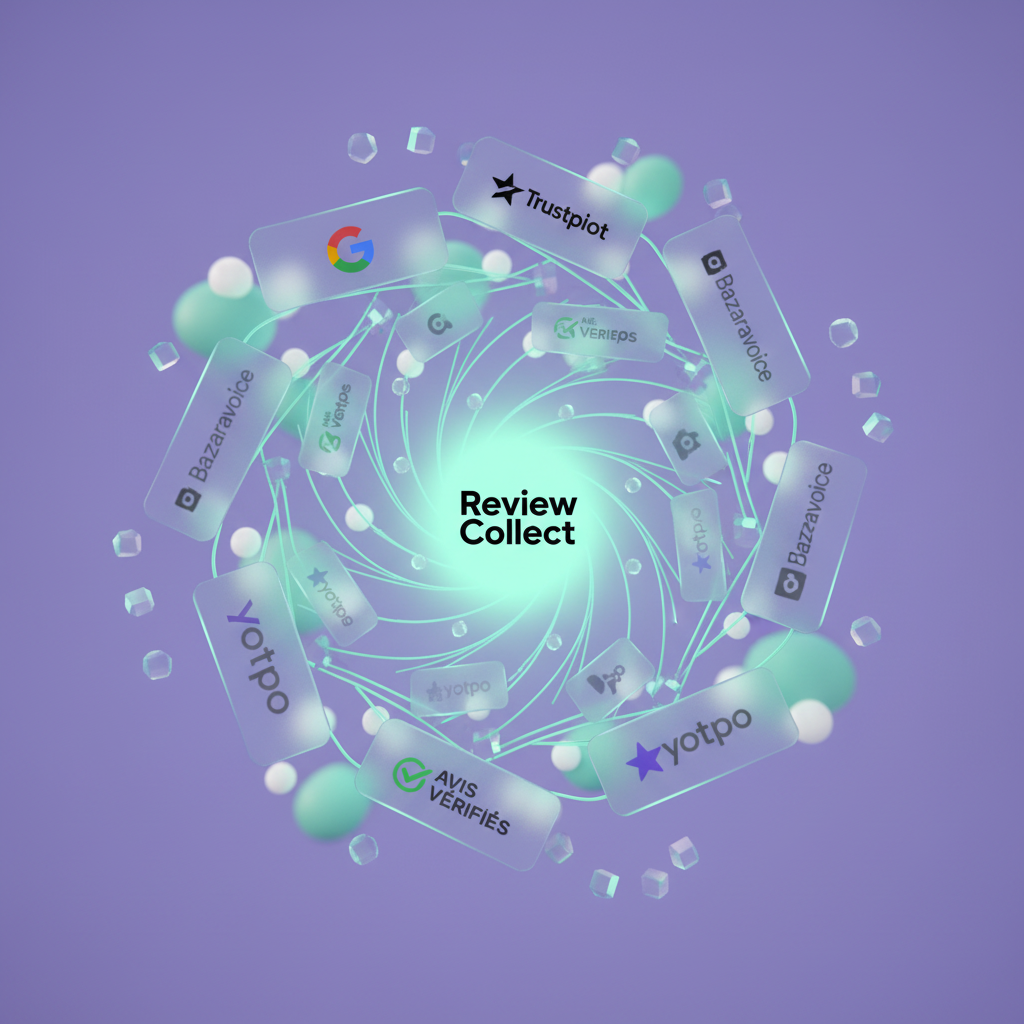
The e-reputation solution that turns your customers into ambassadors. Automated collection of multi-channel customer reviews.


