New: Collect your opinions via WhatsApp with +39% response rate
Book a demo →✕

The Google review QR code has become an essential tool for businesses looking to increase their customer reviews. Learn how to create, customize, and deploy your QR code to maximize your reviews.

A Google review QR code is a two-dimensional barcode that, when scanned with a smartphone, redirects users directly to your business's review page on Google. This technology significantly simplifies the customer journey for leaving a review.
Without a QR code, a customer must:
With a Google review QR code, all these steps are eliminated. The customer scans, arrives directly at the review form, and can immediately share their experience. This simplification can multiply your review collection rate by 3 to 5 times.
The QR code works equally well on iPhone and Android, and most modern smartphones have a QR reader built directly into the camera app.
Creating a free Google review QR code is a simple process that requires no technical skills. Here are the detailed steps:
Step 1: Get Your Google Review Link
Log into your Google Business Profile. In the menu, select "Home" then "Ask for reviews." Google will provide you with a short link that you can copy.
Alternatively, you can manually construct the link with your Google Place ID. The format is: https://search.google.com/local/writereview?placeid=YOUR_PLACE_ID
Step 2: Generate the QR Code
Several free tools allow you to convert your link into a QR code:
Step 3: Customize and Download
Choose a sufficient resolution (minimum 300x300 pixels for printing). You can add your logo to the center of the QR code, as long as the reading area remains accessible.
The strategic placement of your Google review QR code is crucial for its effectiveness. Here are the best locations by industry:
For Restaurants and Retail
For Service Providers
For E-commerce
The ideal time to request a review is when the customer experience is most positive: right after a good meal, upon delivery of an order, or at the end of a successful service.
Beyond the simple QR code, a complete review collection strategy integrates several elements:
Combine QR Code with Verbal Request
The QR code alone isn't always enough. Train your team to politely ask for a review while pointing to the QR code. A simple phrase like "If you enjoyed our service, you can leave us a review by scanning this QR code" significantly increases the conversion rate.
Use a Filtering Solution
With Review Collect, you can create an intelligent journey that first directs customers to a quick satisfaction survey. Satisfied customers are then redirected to Google to leave a review, while dissatisfied ones are directed to a private feedback form.
Measure and Optimize
Track the evolution of your review count and average rating. Solutions like Review Collect offer detailed dashboards to analyze your performance and identify areas for improvement.
Manage Your Overall Online Reputation
The Google QR code is just one element of your online reputation strategy. Also consider collecting reviews on other platforms relevant to your industry (TripAdvisor, Trustpilot, Yelp, etc.).
In conclusion, the Google review QR code is a simple but powerful tool to boost your review collection. Combined with an active solicitation strategy and management tools like Review Collect, it can transform your online reputation and attract new customers.
Automate review collection via WhatsApp, SMS, Email, QR Code, and RCS. Achieve a 39% response rate where the industry averages 2-3%.
Learn more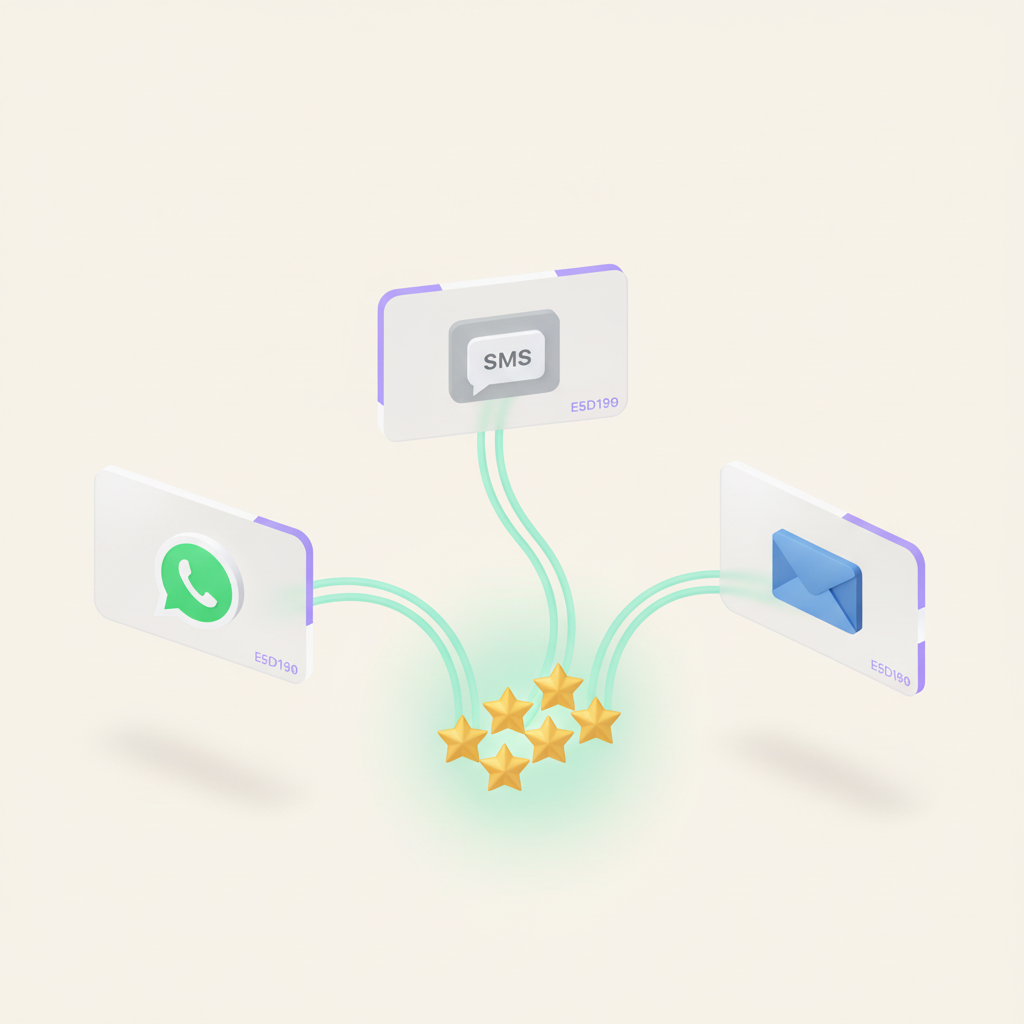
Decide where, when, and how each review is posted. Review Collect automatically organizes the distribution of your reviews between Google, Trustpilot and your strategic platforms.
Learn more
Google, Trustpilot, Verified Reviews, Yotpo, Bazaarvoice... Centralize the management of your multi-platform reviews and regain control of your e-reputation.
Learn more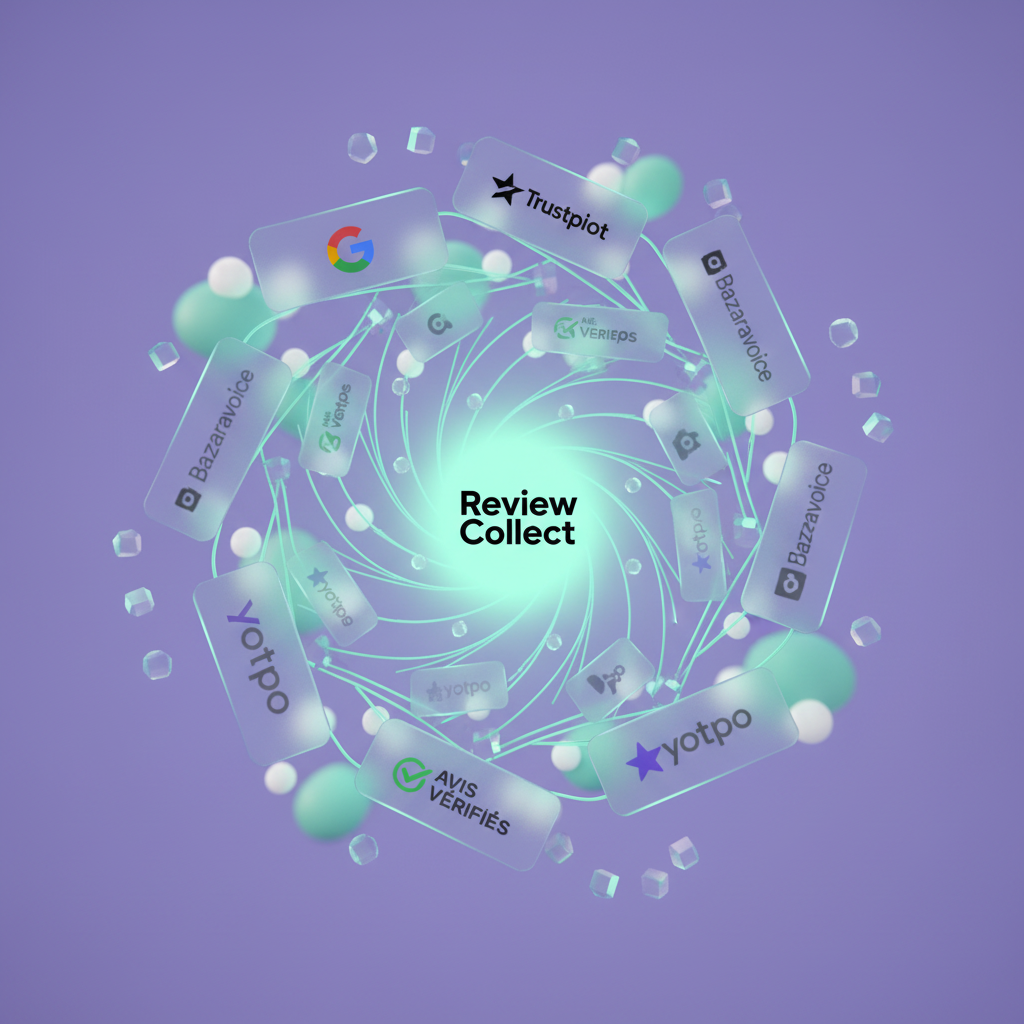
The e-reputation solution that turns your customers into ambassadors. Automated collection of multi-channel customer reviews.


